01
00:00:07:0900:00:08:0500:00:09:10
It delivers.
Selection, cuts, captions, sound design, quality control, render: one loop, no manual finishing. The master arrives ready to publish.
01 — The autonomous video editing studio
Founders and tech creators, drop your footage — facecam, screen capture, product demo. The studio cuts, checks and delivers the master: the finished video, ready to publish. You review the decisions, never a timeline.
Hand off my first editThis film went through the same loop as your videos: the studio selected, cut, timed captions and sound, then ran its own quality control — levels, safe zones, cuts. All we did was review its decisions.
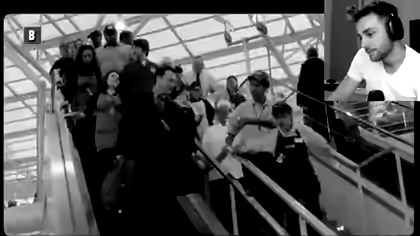
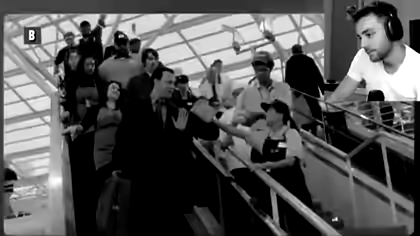
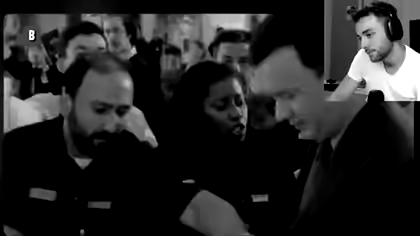
A 16:9 master that came out of the production loop itself — not a promo filmed on the side.
OpusClip clips, Premiere Pro waits for you to edit: either way, the result still depends on you — driving, fixing, finishing.
Vibe Editor shifts the burden: the studio delivers the master, shows every decision and learns from every note. Three proofs, verifiable on screen.
Selection, cuts, captions, sound design, quality control, render: one loop, no manual finishing. The master arrives ready to publish.
Every decision keeps its before/after, its reason and its QC status. You compare the two frames and decide — without opening a timeline.
“Never more than 0.8 s without new information.”
Approved rule ✓Your notes become rules, reviewed and versioned with you. Every master keeps the exact version of the rules that cut it.
— The hard cut
Footage in, master out. Clean.
While the studio works, every choice becomes a readable event: what was cut, why, and what quality control says about it. Follow live, or review the summary at the next checkpoint.
Every event points to the exact frames. You approve, or you annotate — and the studio fixes it.
A note doesn’t vanish into a chat. It becomes an observation — then, when it repeats, a candidate rule, evidence attached.
You approve, edit or reject every rule. Together they form your brand skill — the written set of rules the studio applies to every edit. Readable, versioned, exportable: it’s yours.
“The punchline lands too late.” A frame, a range, one sentence is enough.
Three consistent corrections become a candidate rule, with the before/afters that justify it.
Once approved, the rule joins your skill and applies to the next edit.
+ Payoff visible before 0:12.
+ Never crossfade between two gameplay shots.
− Slow zoom on face-cams.
Proposed after 3 consistent corrections — approved by you.
One master, its variants. The studio keeps the same selection, reframes shot by shot for the target ratio, and quality control rejects anything that falls outside the safe zones — from 16:9 to 9:16.
The work, end to end
Your footage as it is, with a one-sentence brief.
The feed shows every choice. You approve or annotate a frame; the first correction is included.
Delivered ready for your platforms, variants included. You keep the final say.
No Premiere Pro to install, no timeline to learn. The studio is the software.
08 — Early access